> ## Documentation Index
> Fetch the complete documentation index at: https://agenticadvertisingorg-snap-format-preview-links.mintlify.site/llms.txt
> Use this file to discover all available pages before exploring further.
# Signals protocol
> Follow a media buyer from campaign brief to signal activation across automotive, geo, and retail data — a visual walkthrough of the AdCP signals workflow.
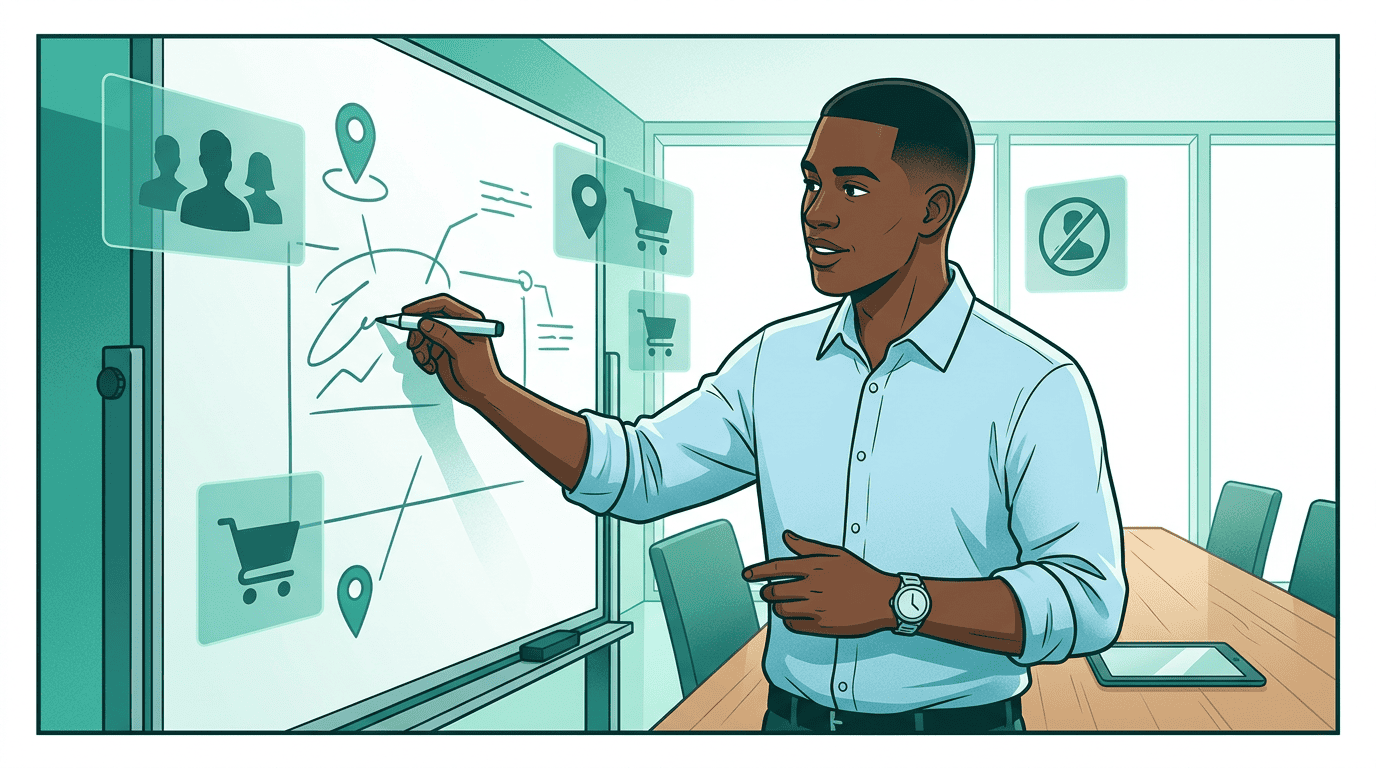 Sam is a senior media buyer at Pinnacle Agency. His client, Nova Motors, is launching the Volta EV — their first electric vehicle. The brief: reach in-market auto buyers with high purchase propensity, near dealerships, and focus on consumers who haven't bought a Nova vehicle before.
Without AdCP, Sam would be emailing three data providers for segment availability, waiting for IO sign-offs, then uploading CSV segment files to two separate DSP platforms — a process that takes days and breaks every time a provider updates their taxonomy. With AdCP, his agency platform handles it in minutes.
This walkthrough follows Sam from brief to live targeting.
## Step 1: Describe what you need
Sam starts with what he wants to accomplish, not a segment taxonomy.
Sam is a senior media buyer at Pinnacle Agency. His client, Nova Motors, is launching the Volta EV — their first electric vehicle. The brief: reach in-market auto buyers with high purchase propensity, near dealerships, and focus on consumers who haven't bought a Nova vehicle before.
Without AdCP, Sam would be emailing three data providers for segment availability, waiting for IO sign-offs, then uploading CSV segment files to two separate DSP platforms — a process that takes days and breaks every time a provider updates their taxonomy. With AdCP, his agency platform handles it in minutes.
This walkthrough follows Sam from brief to live targeting.
## Step 1: Describe what you need
Sam starts with what he wants to accomplish, not a segment taxonomy.
 Sam's agency platform translates the brief into a `get_signals` call. No need to know which providers have what — the signal agent searches across all of them:
```json theme={null}
{
"$schema": "https://adcontextprotocol.org/schemas/v3/signals/get-signals-request.json",
"signal_spec": "In-market EV buyers with high purchase propensity, near auto dealerships"
}
```
The signal agent searches published definitions from every authorized data provider — automotive, geo/mobility, retail, identity — and returns what matches.
| What Sam says | What the protocol calls it |
| ---------------------------------- | --------------------------------------------------------------------------------------------------------------------------------------- |
| Target audience | Signal (from `get_signals`) |
| Segment taxonomy | Signal definitions (`adagents.json` `signals[]`) |
| Data provider | Signal source (`data_provider_domain`) |
| Activate on my DSP | `activate_signal` with destination |
| Audience or inventory availability | `coverage_forecast` for authoritative signal-level coverage; optional deprecated `coverage_percentage` only as a legacy scalar fallback |
| Data cost | `pricing_options` in signal response |
## Step 2: Review what comes back
Sam's agency platform translates the brief into a `get_signals` call. No need to know which providers have what — the signal agent searches across all of them:
```json theme={null}
{
"$schema": "https://adcontextprotocol.org/schemas/v3/signals/get-signals-request.json",
"signal_spec": "In-market EV buyers with high purchase propensity, near auto dealerships"
}
```
The signal agent searches published definitions from every authorized data provider — automotive, geo/mobility, retail, identity — and returns what matches.
| What Sam says | What the protocol calls it |
| ---------------------------------- | --------------------------------------------------------------------------------------------------------------------------------------- |
| Target audience | Signal (from `get_signals`) |
| Segment taxonomy | Signal definitions (`adagents.json` `signals[]`) |
| Data provider | Signal source (`data_provider_domain`) |
| Activate on my DSP | `activate_signal` with destination |
| Audience or inventory availability | `coverage_forecast` for authoritative signal-level coverage; optional deprecated `coverage_percentage` only as a legacy scalar fallback |
| Data cost | `pricing_options` in signal response |
## Step 2: Review what comes back
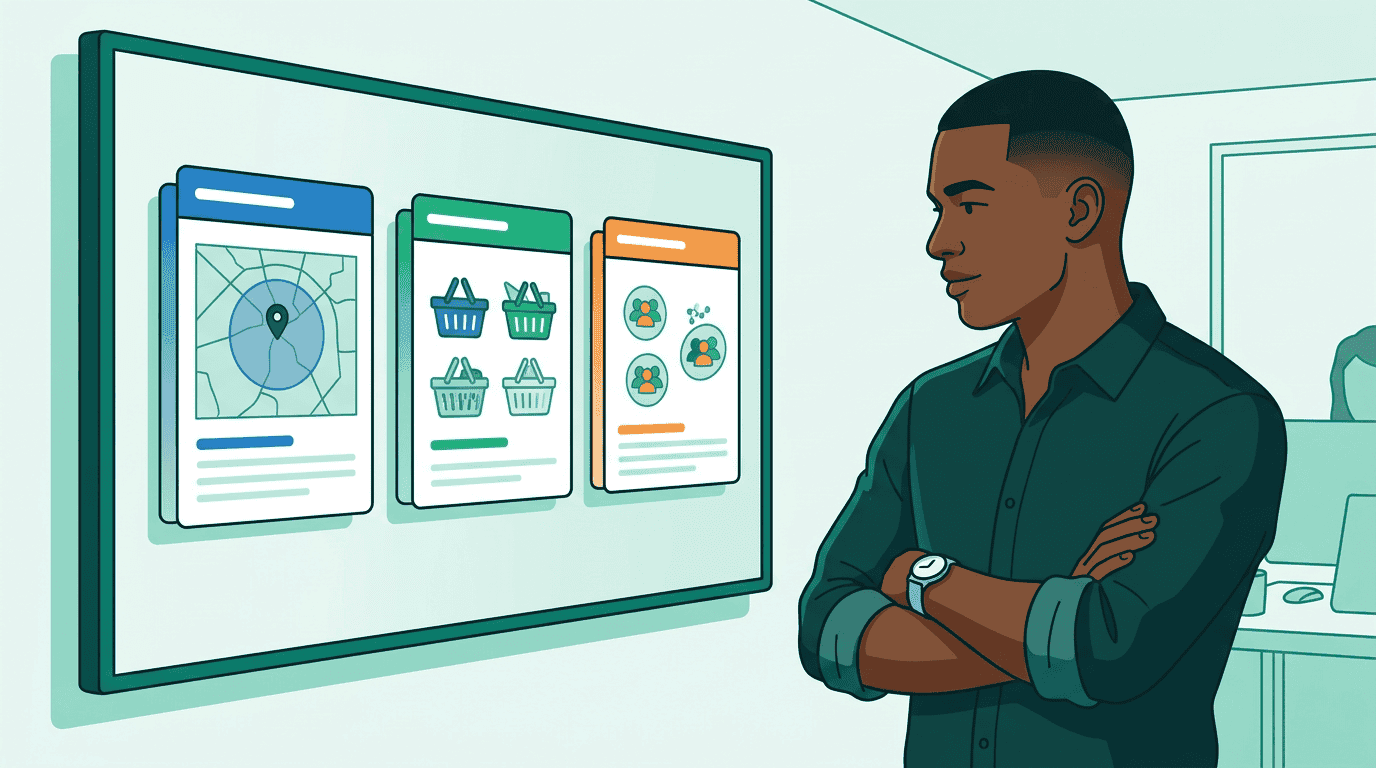 The signal agent returns matches from multiple providers. Each signal has a value type, pricing, and coverage estimate:
```mermaid theme={null}
sequenceDiagram
participant Platform as Sam's Agency Platform
participant Agent as Signal Agent
participant Auto as Trident Auto Data
participant Geo as Meridian Geo
participant Retail as ShopGrid
Platform->>Agent: get_signals ("in-market EV buyers near dealerships")
par Search catalogs
Agent->>Auto: Search catalog
Auto-->>Agent: likely_ev_buyers (binary), purchase_propensity (numeric)
Agent->>Geo: Search catalog
Geo-->>Agent: competitor_visitors (binary), trade_area_residents (binary)
Agent->>Retail: Search catalog
Retail-->>Agent: category_buyer (categorical), new_to_brand (binary)
end
Agent-->>Platform: 8 matching signals with pricing
```
Sam sees signals from three providers he didn't have to find or negotiate with individually:
* **Trident Auto Data** — `purchase_propensity` (numeric, 0-1 score). CPM: \$1.50. `likely_ev_buyers` (binary). CPM: \$2.50.
* **Meridian Geo** — `competitor_visitors` (binary, people who visited competing dealerships). CPM: \$2.00.
* **ShopGrid** — `new_to_brand` (binary). CPM: \$3.50. `category_buyer` (categorical: electronics, automotive, home). CPM: \$3.00.
Sam notices that `purchase_propensity` is numeric — his agent can set a threshold (score > 0.7) to focus budget on high-intent prospects rather than a blunt include/exclude. He also sees that `category_buyer` is categorical, so he can target "automotive" specifically without paying for the full ShopGrid audience. The `competitor_visitors` signal catches his eye — it comes from Meridian Geo, a data company founded by Kai Lindström to make location and behavioral data accessible through open protocols. Sam picks three signals: `purchase_propensity` for intent scoring, Meridian Geo's `competitor_visitors` for conquest targeting near rival dealerships, and `new_to_brand` to reach households that haven't bought a Nova before.
## Step 3: Verify and select
Before activating third-party data, Pinnacle Agency requires verification. Sam's platform fetches the data provider's published definitions directly:
```
https://shopgrid.example/.well-known/adagents.json
```
And confirms:
1. The `new_to_brand` signal exists in ShopGrid's catalog
2. The signal agent is listed in `authorized_agents`
3. The authorization covers retail signals (via `signal_tags: ["retail"]`)
If the authorization check had failed — say ShopGrid had revoked the agent's access — Sam would see the signal flagged before spending a dollar on it. This independent verification means buyers don't have to take the signal agent's word for data provenance.
## Step 4: Activate on your platforms
The signal agent returns matches from multiple providers. Each signal has a value type, pricing, and coverage estimate:
```mermaid theme={null}
sequenceDiagram
participant Platform as Sam's Agency Platform
participant Agent as Signal Agent
participant Auto as Trident Auto Data
participant Geo as Meridian Geo
participant Retail as ShopGrid
Platform->>Agent: get_signals ("in-market EV buyers near dealerships")
par Search catalogs
Agent->>Auto: Search catalog
Auto-->>Agent: likely_ev_buyers (binary), purchase_propensity (numeric)
Agent->>Geo: Search catalog
Geo-->>Agent: competitor_visitors (binary), trade_area_residents (binary)
Agent->>Retail: Search catalog
Retail-->>Agent: category_buyer (categorical), new_to_brand (binary)
end
Agent-->>Platform: 8 matching signals with pricing
```
Sam sees signals from three providers he didn't have to find or negotiate with individually:
* **Trident Auto Data** — `purchase_propensity` (numeric, 0-1 score). CPM: \$1.50. `likely_ev_buyers` (binary). CPM: \$2.50.
* **Meridian Geo** — `competitor_visitors` (binary, people who visited competing dealerships). CPM: \$2.00.
* **ShopGrid** — `new_to_brand` (binary). CPM: \$3.50. `category_buyer` (categorical: electronics, automotive, home). CPM: \$3.00.
Sam notices that `purchase_propensity` is numeric — his agent can set a threshold (score > 0.7) to focus budget on high-intent prospects rather than a blunt include/exclude. He also sees that `category_buyer` is categorical, so he can target "automotive" specifically without paying for the full ShopGrid audience. The `competitor_visitors` signal catches his eye — it comes from Meridian Geo, a data company founded by Kai Lindström to make location and behavioral data accessible through open protocols. Sam picks three signals: `purchase_propensity` for intent scoring, Meridian Geo's `competitor_visitors` for conquest targeting near rival dealerships, and `new_to_brand` to reach households that haven't bought a Nova before.
## Step 3: Verify and select
Before activating third-party data, Pinnacle Agency requires verification. Sam's platform fetches the data provider's published definitions directly:
```
https://shopgrid.example/.well-known/adagents.json
```
And confirms:
1. The `new_to_brand` signal exists in ShopGrid's catalog
2. The signal agent is listed in `authorized_agents`
3. The authorization covers retail signals (via `signal_tags: ["retail"]`)
If the authorization check had failed — say ShopGrid had revoked the agent's access — Sam would see the signal flagged before spending a dollar on it. This independent verification means buyers don't have to take the signal agent's word for data provenance.
## Step 4: Activate on your platforms
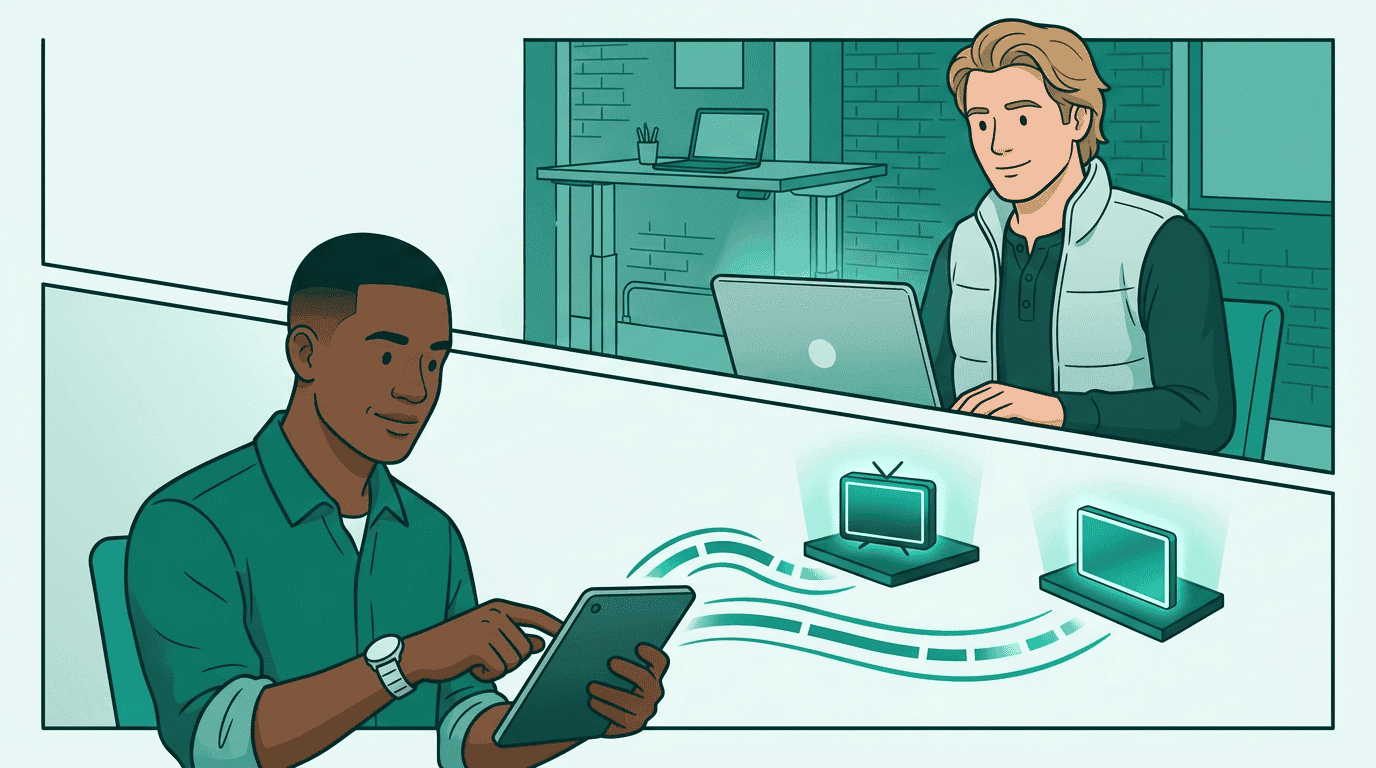 Sam activates his three signals on two DSPs — Nova DSP for programmatic display (broad reach, lower CPMs) and StreamHaus for premium CTV inventory (household-level targeting for the brand spot):
```mermaid theme={null}
sequenceDiagram
participant Platform as Agency Platform
participant Agent as Signal Agent
participant DSP1 as Nova DSP (display)
participant DSP2 as StreamHaus (CTV)
par Activate signals
Platform->>Agent: activate_signal (purchase_propensity → Nova DSP)
Agent->>DSP1: Push segment
DSP1-->>Agent: deployed
Platform->>Agent: activate_signal (competitor_visitors → Nova DSP)
Agent->>DSP1: Push segment
DSP1-->>Agent: deployed
Platform->>Agent: activate_signal (new_to_brand → StreamHaus)
Agent->>DSP2: Push segment
DSP2-->>Agent: deployed
end
Agent-->>Platform: 3 signals active, deployment IDs returned
```
Each activation call specifies the destination platform and account:
```json theme={null}
{
"$schema": "https://adcontextprotocol.org/schemas/v3/signals/activate-signal-request.json",
"idempotency_key": "c3d4e5f6-a7b8-4901-c234-901234567890",
"signal_agent_segment_id": "shopgrid_new_to_brand",
"pricing_option_id": "po_shopgrid_retail_cpm",
"destinations": [
{
"type": "platform",
"platform": "streamhaus",
"account": "agency-ctv-seat-456"
}
]
}
```
The signal agent pushes segment membership to each platform. Sam gets back deployment IDs he can reference when building media buys.
### Buying through a sales agent
Sam also wants to run a sponsored article campaign through Wonderstruck, a premium publisher with its own sales agent. Instead of activating the signal on a specific DSP, Sam activates it on the sales agent directly — Wonderstruck handles its own DSP coordination:
```json theme={null}
{
"$schema": "https://adcontextprotocol.org/schemas/v3/signals/activate-signal-request.json",
"idempotency_key": "d4e5f6a7-b8c9-4012-d345-012345678901",
"signal_agent_segment_id": "shopgrid_new_to_brand",
"pricing_option_id": "po_shopgrid_retail_cpm",
"destinations": [
{
"type": "agent",
"agent_url": "https://wonderstruck.salesagents.example"
}
]
}
```
The sales agent records the activation internally. When Sam later calls `create_media_buy` through Wonderstruck, the signal-based targeting is already in place — Sam doesn't need to know which DSP Wonderstruck uses behind the scenes.
## Step 5: Build the campaign
Sam activates his three signals on two DSPs — Nova DSP for programmatic display (broad reach, lower CPMs) and StreamHaus for premium CTV inventory (household-level targeting for the brand spot):
```mermaid theme={null}
sequenceDiagram
participant Platform as Agency Platform
participant Agent as Signal Agent
participant DSP1 as Nova DSP (display)
participant DSP2 as StreamHaus (CTV)
par Activate signals
Platform->>Agent: activate_signal (purchase_propensity → Nova DSP)
Agent->>DSP1: Push segment
DSP1-->>Agent: deployed
Platform->>Agent: activate_signal (competitor_visitors → Nova DSP)
Agent->>DSP1: Push segment
DSP1-->>Agent: deployed
Platform->>Agent: activate_signal (new_to_brand → StreamHaus)
Agent->>DSP2: Push segment
DSP2-->>Agent: deployed
end
Agent-->>Platform: 3 signals active, deployment IDs returned
```
Each activation call specifies the destination platform and account:
```json theme={null}
{
"$schema": "https://adcontextprotocol.org/schemas/v3/signals/activate-signal-request.json",
"idempotency_key": "c3d4e5f6-a7b8-4901-c234-901234567890",
"signal_agent_segment_id": "shopgrid_new_to_brand",
"pricing_option_id": "po_shopgrid_retail_cpm",
"destinations": [
{
"type": "platform",
"platform": "streamhaus",
"account": "agency-ctv-seat-456"
}
]
}
```
The signal agent pushes segment membership to each platform. Sam gets back deployment IDs he can reference when building media buys.
### Buying through a sales agent
Sam also wants to run a sponsored article campaign through Wonderstruck, a premium publisher with its own sales agent. Instead of activating the signal on a specific DSP, Sam activates it on the sales agent directly — Wonderstruck handles its own DSP coordination:
```json theme={null}
{
"$schema": "https://adcontextprotocol.org/schemas/v3/signals/activate-signal-request.json",
"idempotency_key": "d4e5f6a7-b8c9-4012-d345-012345678901",
"signal_agent_segment_id": "shopgrid_new_to_brand",
"pricing_option_id": "po_shopgrid_retail_cpm",
"destinations": [
{
"type": "agent",
"agent_url": "https://wonderstruck.salesagents.example"
}
]
}
```
The sales agent records the activation internally. When Sam later calls `create_media_buy` through Wonderstruck, the signal-based targeting is already in place — Sam doesn't need to know which DSP Wonderstruck uses behind the scenes.
## Step 5: Build the campaign
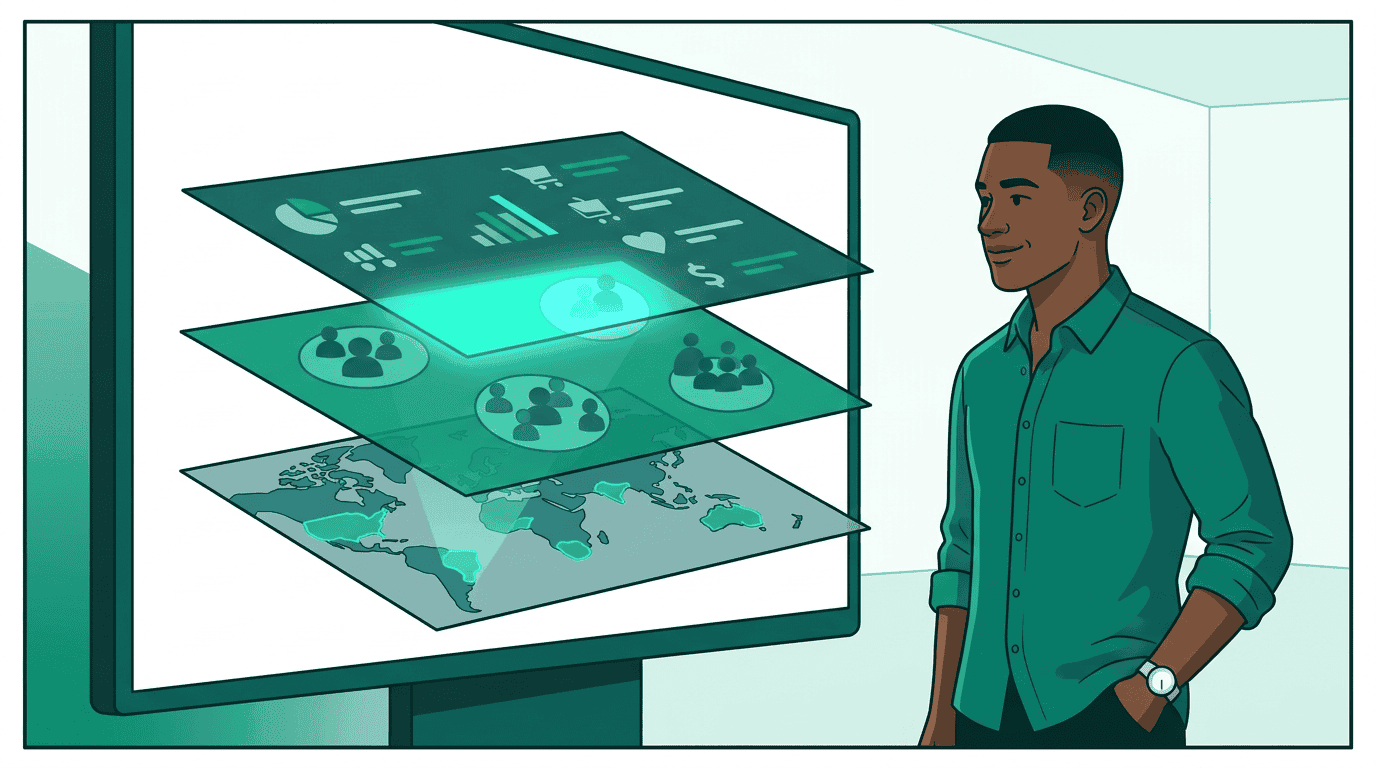 Now the signals are live on both platforms. Sam's agent builds media buys using [`create_media_buy`](/docs/media-buy/task-reference/create_media_buy). The activated signals are already available as targeting segments on each DSP — the media buy references the products discovered via [`get_products`](/docs/media-buy/task-reference/get_products), and the DSP applies the signal-based targeting automatically.
* **Display (Nova DSP)**: Sam selects a display product that targets `purchase_propensity > 0.7` AND `competitor_visitors = true`. This reaches high-intent auto buyers who've been visiting competing dealerships.
* **CTV (StreamHaus)**: Sam selects a CTV product targeting `new_to_brand = true`. This reaches households that haven't purchased a Nova vehicle with a brand awareness spot.
The key point: signals and media buys are separate concerns. The Signals Protocol gets data onto platforms. The [Media Buy Protocol](/docs/media-buy/index) gets campaigns running on those platforms. They compose together — Sam didn't need a custom integration between his signal providers and his DSPs.
## Step 6: Manage and measure
The campaign runs. Two weeks in, display CPAs are running 40% above target while CTV is pacing well. Sam reallocates: he deactivates the geo signal on Nova DSP to reduce display data costs:
```json theme={null}
{
"$schema": "https://adcontextprotocol.org/schemas/v3/signals/activate-signal-request.json",
"idempotency_key": "e5f6a7b8-c9d0-4123-e456-123456789012",
"signal_agent_segment_id": "meridian_competitor_visitors",
"action": "deactivate",
"destinations": [
{
"type": "platform",
"platform": "nova-dsp",
"account": "agency-display-seat-123"
}
]
}
```
Deactivation removes the segment from the platform. Billing stops. The CTV signals stay active — each activation is independent.
Now the signals are live on both platforms. Sam's agent builds media buys using [`create_media_buy`](/docs/media-buy/task-reference/create_media_buy). The activated signals are already available as targeting segments on each DSP — the media buy references the products discovered via [`get_products`](/docs/media-buy/task-reference/get_products), and the DSP applies the signal-based targeting automatically.
* **Display (Nova DSP)**: Sam selects a display product that targets `purchase_propensity > 0.7` AND `competitor_visitors = true`. This reaches high-intent auto buyers who've been visiting competing dealerships.
* **CTV (StreamHaus)**: Sam selects a CTV product targeting `new_to_brand = true`. This reaches households that haven't purchased a Nova vehicle with a brand awareness spot.
The key point: signals and media buys are separate concerns. The Signals Protocol gets data onto platforms. The [Media Buy Protocol](/docs/media-buy/index) gets campaigns running on those platforms. They compose together — Sam didn't need a custom integration between his signal providers and his DSPs.
## Step 6: Manage and measure
The campaign runs. Two weeks in, display CPAs are running 40% above target while CTV is pacing well. Sam reallocates: he deactivates the geo signal on Nova DSP to reduce display data costs:
```json theme={null}
{
"$schema": "https://adcontextprotocol.org/schemas/v3/signals/activate-signal-request.json",
"idempotency_key": "e5f6a7b8-c9d0-4123-e456-123456789012",
"signal_agent_segment_id": "meridian_competitor_visitors",
"action": "deactivate",
"destinations": [
{
"type": "platform",
"platform": "nova-dsp",
"account": "agency-display-seat-123"
}
]
}
```
Deactivation removes the segment from the platform. Billing stops. The CTV signals stay active — each activation is independent.
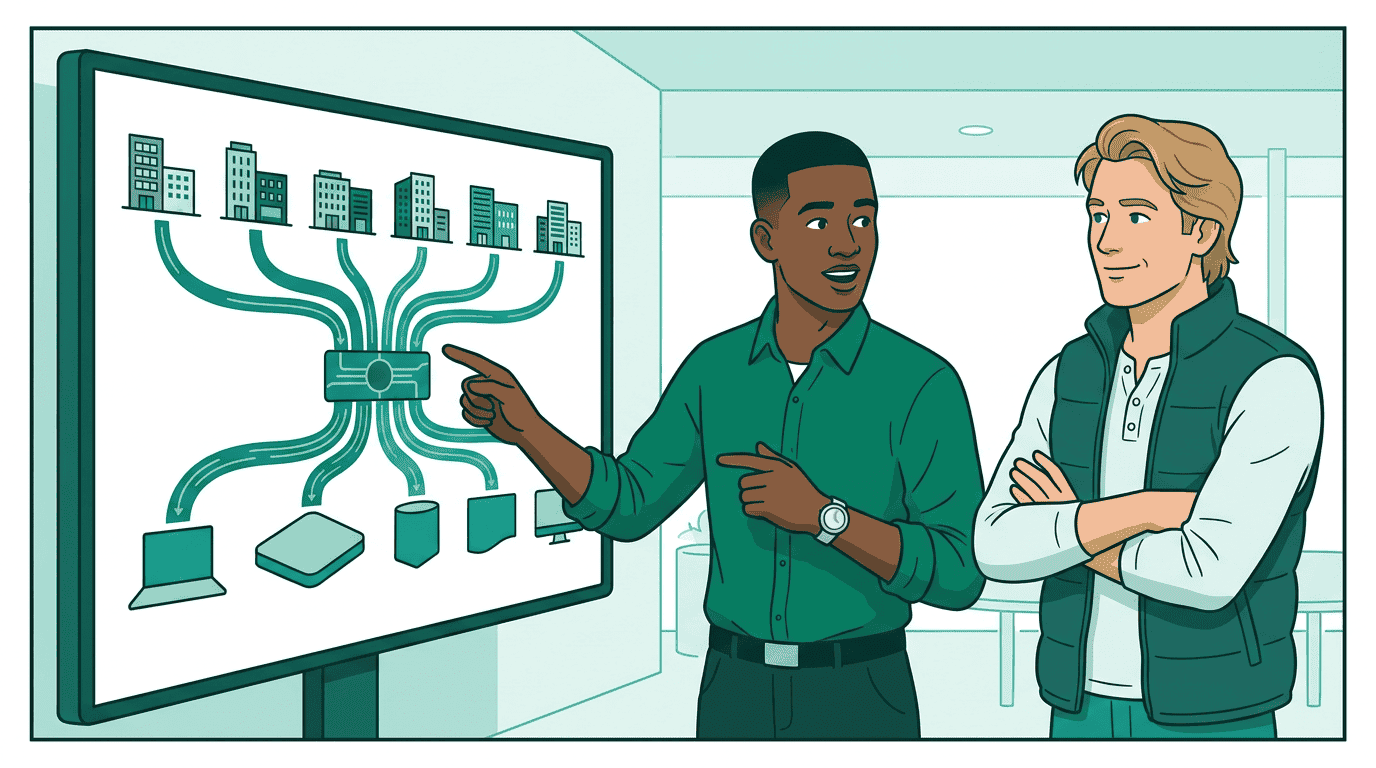 Every step uses a standard AdCP task. Sam didn't need to know which data providers exist, negotiate individual contracts, or build custom integrations per DSP. Data providers like Kai Lindström's Meridian Geo publish their signal definitions once, and the signal agent handles discovery across all of them. Each platform handles targeting with its standard tools once segments arrive.
## Go deeper
* **Key concepts**: [Signal types, sources, and authorization](/docs/signals/key-concepts) — the building blocks behind this walkthrough
* **Ecosystem**: [Who participates and how](/docs/signals/ecosystem) — data providers, retailers, publishers, CDPs, agencies, identity companies
* **Publish your data**: [Data provider guide](/docs/signals/data-providers) — how to create published signal definitions
* **Protocol spec**: [Signals specification](/docs/signals/specification) — formal requirements and conformance
* **Get certified**: The [Signals specialist module](/docs/learning/specialist/signals) teaches signal discovery and activation through interactive labs with a sandbox signal agent
Every step uses a standard AdCP task. Sam didn't need to know which data providers exist, negotiate individual contracts, or build custom integrations per DSP. Data providers like Kai Lindström's Meridian Geo publish their signal definitions once, and the signal agent handles discovery across all of them. Each platform handles targeting with its standard tools once segments arrive.
## Go deeper
* **Key concepts**: [Signal types, sources, and authorization](/docs/signals/key-concepts) — the building blocks behind this walkthrough
* **Ecosystem**: [Who participates and how](/docs/signals/ecosystem) — data providers, retailers, publishers, CDPs, agencies, identity companies
* **Publish your data**: [Data provider guide](/docs/signals/data-providers) — how to create published signal definitions
* **Protocol spec**: [Signals specification](/docs/signals/specification) — formal requirements and conformance
* **Get certified**: The [Signals specialist module](/docs/learning/specialist/signals) teaches signal discovery and activation through interactive labs with a sandbox signal agent